

Inference
Overview
Section titled “Overview”Deploy your trained models and run inference locally. After finishing a fine-tuning job, you will see the ‘repo id’ displayed below the Model Uploading step. All you need to do is copy that id and pass it to ‘—policy.path’ in the script below.
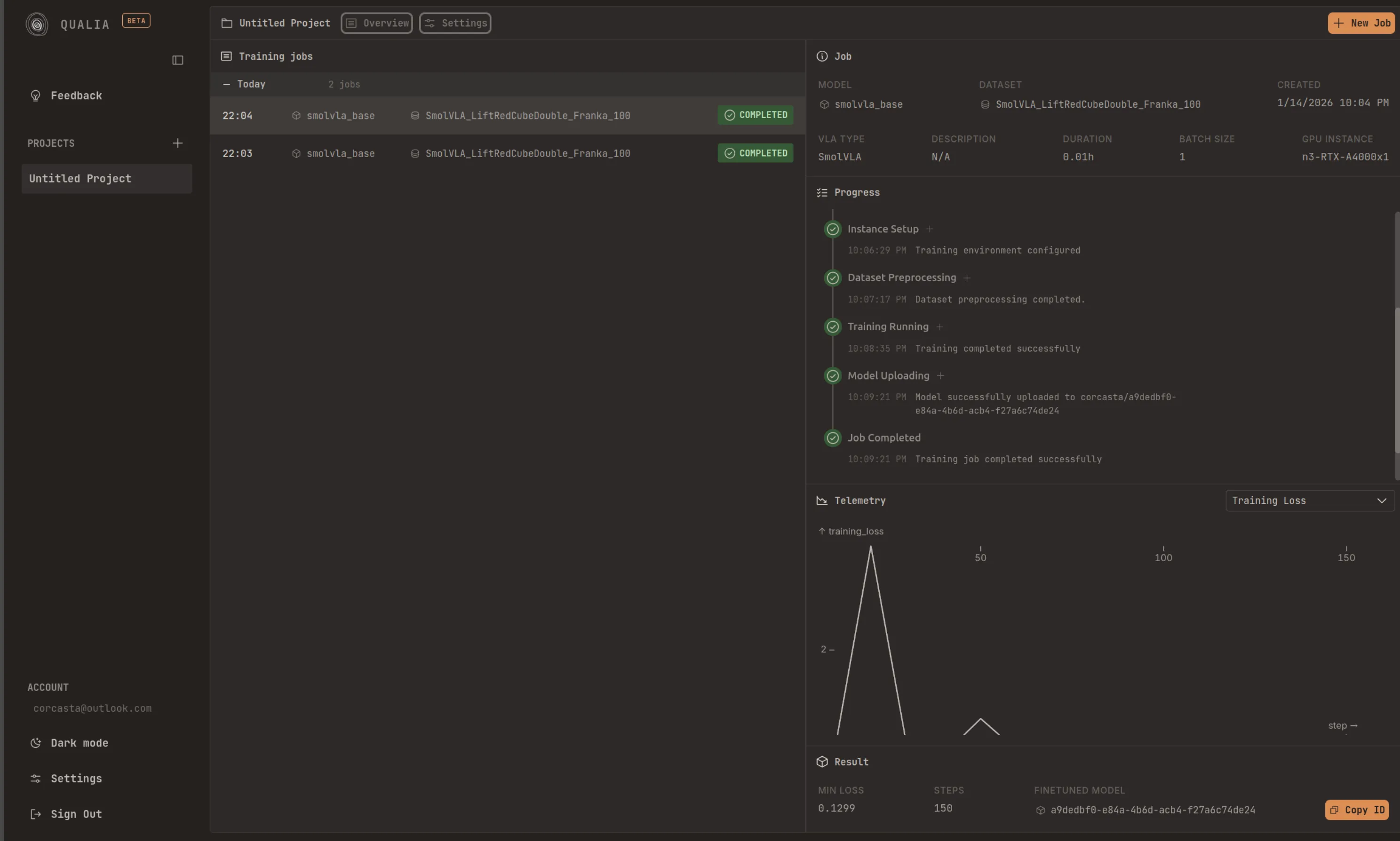
In your system/device, it is recommended that you are logged in to the HuggingFace Hub. You can follow the corresponding steps: Record a dataset. Once you are logged in, you can run inference in your setup by doing:
lerobot-record \ --robot.type=so101_follower \ --robot.port=/dev/ttyACM0 \ # <- Use your port --robot.id=my_blue_follower_arm \ # <- Use your robot id --robot.cameras="{ front: {type: opencv, index_or_path: 8, width: 640, height: 480, fps: 30}}" \ # <- Use your cameras --dataset.single_task="Grasp a lego block and put it in the bin." \ # <- Use the same task description you used in your dataset recording --dataset.repo_id=${HF_USER}/eval_DATASET_NAME_test \ # <- This will be the dataset name on HF Hub --dataset.episode_time_s=50 \ --dataset.num_episodes=10 \ --policy.path=HF_USER/FINETUNE_MODEL_NAME # <- Use your fine-tuned model